DevOps ·
DataDock.
Self-service Database-as-a-Service for Lab MCI. Developers create, manage, and wire up PostgreSQL, MariaDB, MongoDB, and S3 storage in seconds, signing in with GitLab instead of asking DevOps.
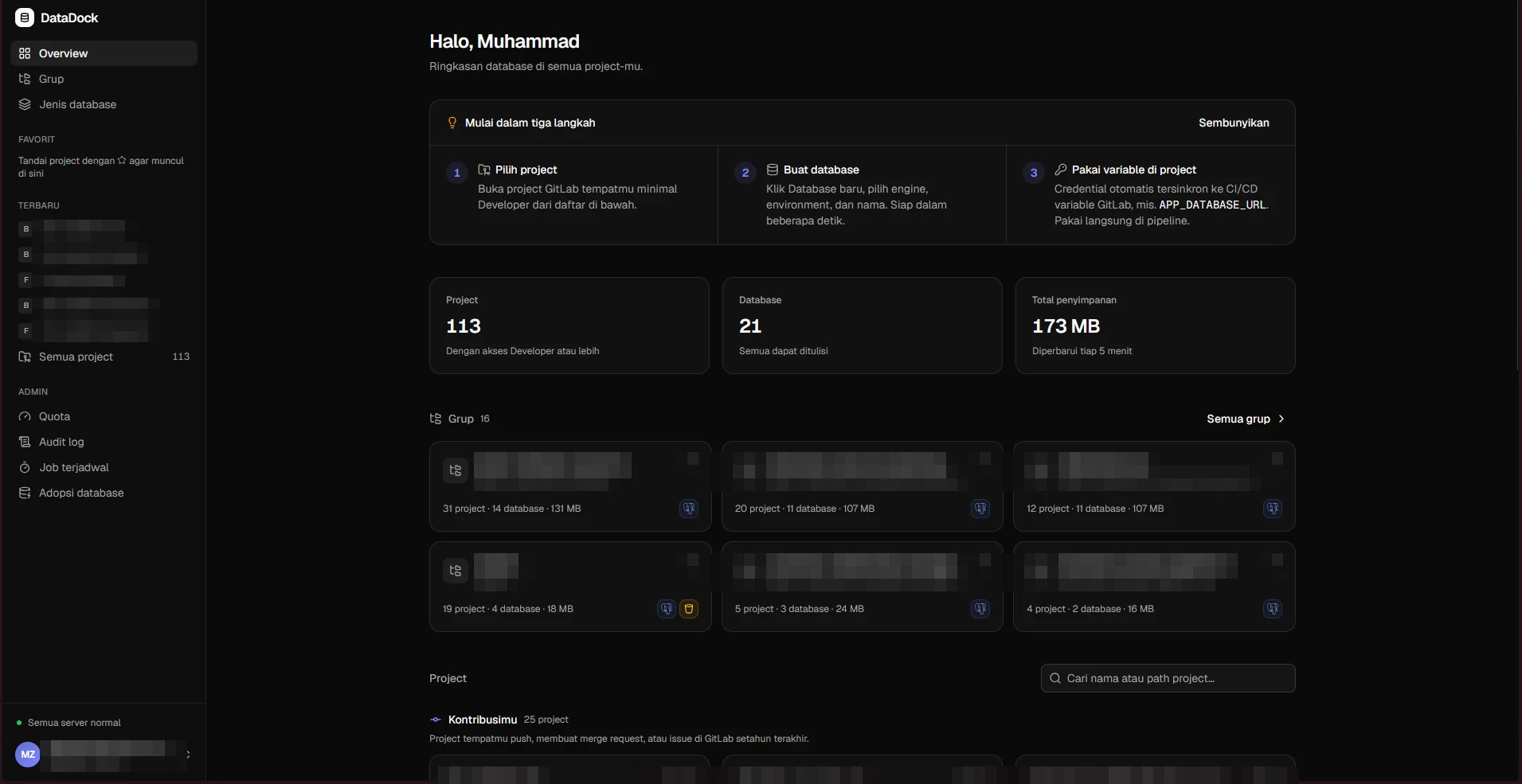
Overview.
DataDock is a Database-as-a-Service platform for Lab MCI. Anyone in a lab GitLab project can create their own database, manage it from a browser, and get the credentials delivered straight into their CI/CD pipeline, with no DevOps ticket in between. It runs in production for the lab.
There is no separate account system either. Authentication is fully integrated with GitLab, and access follows the user’s role in the project: Developers can create and use databases, Maintainers can also delete them and rotate passwords.
Stories Behind.
This is a side project I built because I was tired. As the lab’s DevOps engineer, I was the person everyone messaged for the same few things:
- every time a new project started and needed a database,
- whenever a developer asked me to seed data,
- whenever a database transaction got stuck and somebody needed it debugged.
None of that needed me, it only needed access. So instead of answering the same requests forever, I turned the gap into one integrated platform. I built it, I own it, and it is the tool that took repetitive database chores off my plate.
Features.
- GitLab login. No new accounts. Roles map to GitLab project roles.
- One-click databases on PostgreSQL, MariaDB, and MongoDB. Each database gets its own user and is isolated from other projects.
- Credentials straight into the pipeline. Connection details are installed as CI/CD variables scoped to the GitLab environment, updated on password rotation and removed together with the database.
- Browser query console and schema explorer, with timeouts, row limits, and confirmation for destructive commands.
- Object storage. S3-compatible buckets per project and environment, backed by Garage. This part runs in the lab’s production setup and is not in the public repository.
- Per-project quotas (database count, size, connections). Databases over quota go read-only or get blocked, and recover on their own once cleaned up.
- Daily backups with a mandatory final backup before a database is deleted.
- Append-only audit log for every action, including denied access.
Architecture.
A single control-plane container holds the API, the web UI, and the job scheduler. It talks to the database engines running on the lab server and to GitLab for OAuth, project membership, and CI/CD variables. Tenant passwords are encrypted with AES-256-GCM, and the control plane uses a least-privilege admin account instead of root.
Tech Stack.
- Backend: Bun + Elysia, chosen after a short benchmark spike
- Frontend: React, Vite, shadcn/ui
- Metadata: SQLite
- Infra: Docker, GitLab CI/CD, Cloudflare Tunnel
The source is public on GitHub. The README is in Indonesian, and the spike/ folder holds the Bun + Elysia benchmark report.
Screens.
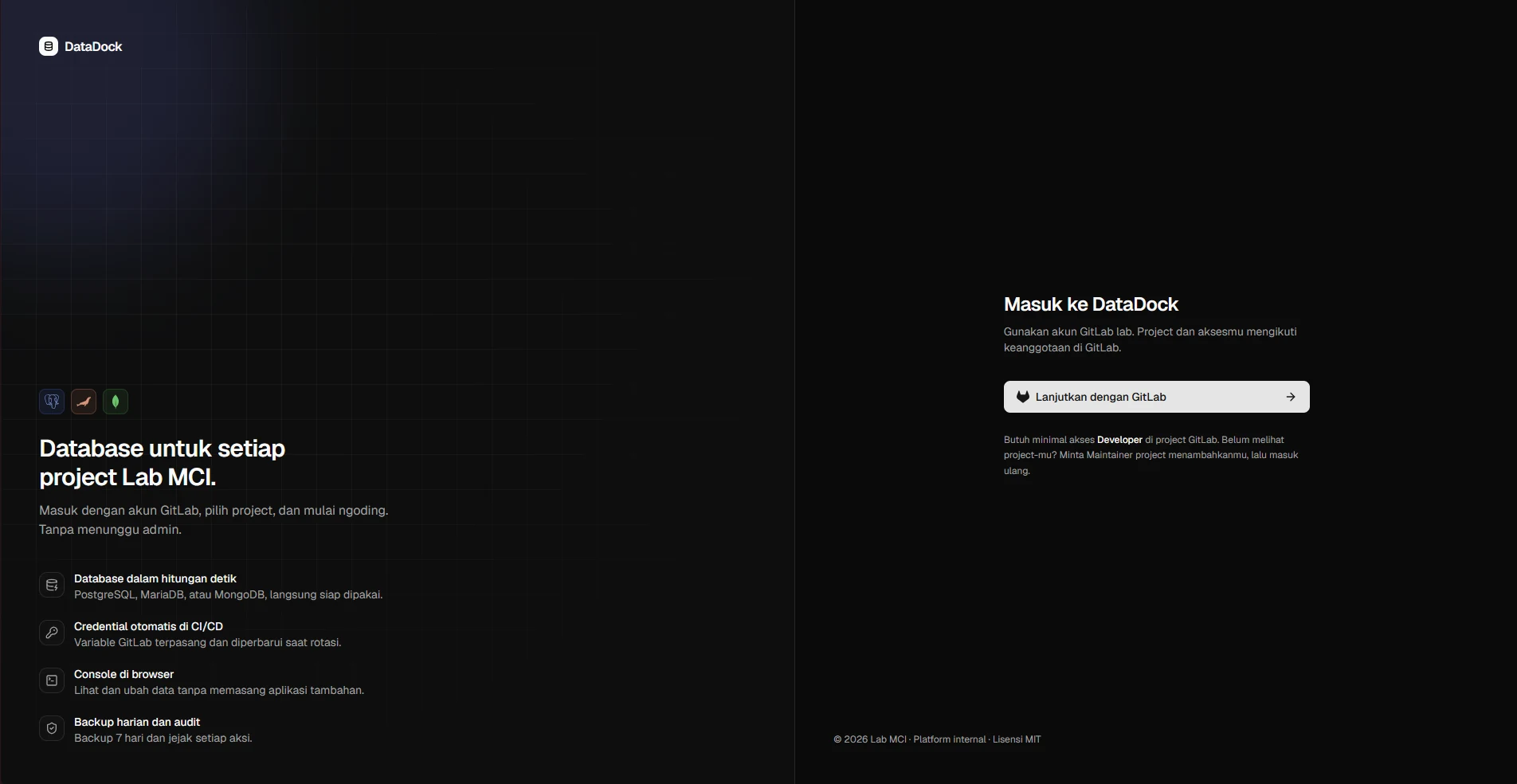
Login
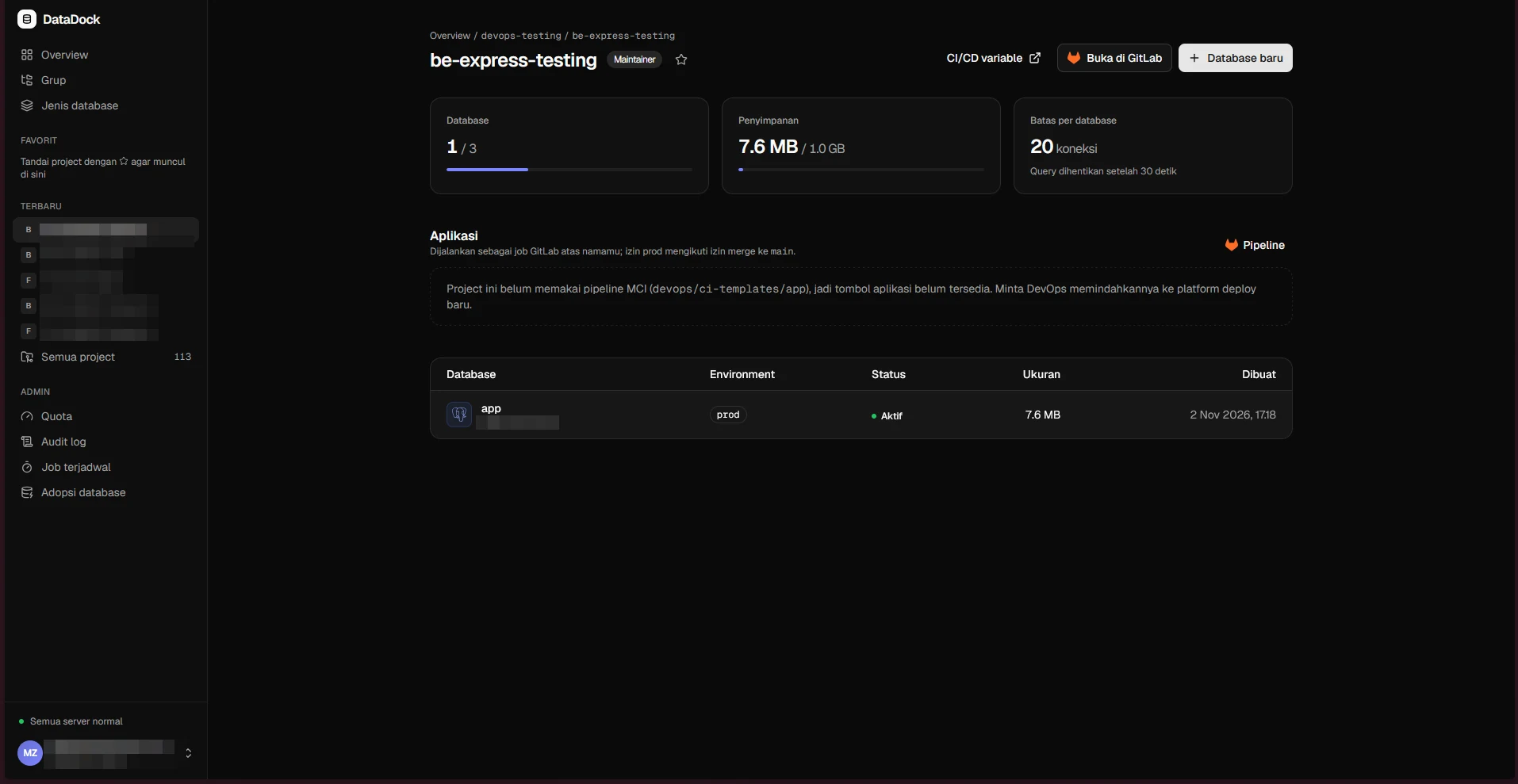
Project
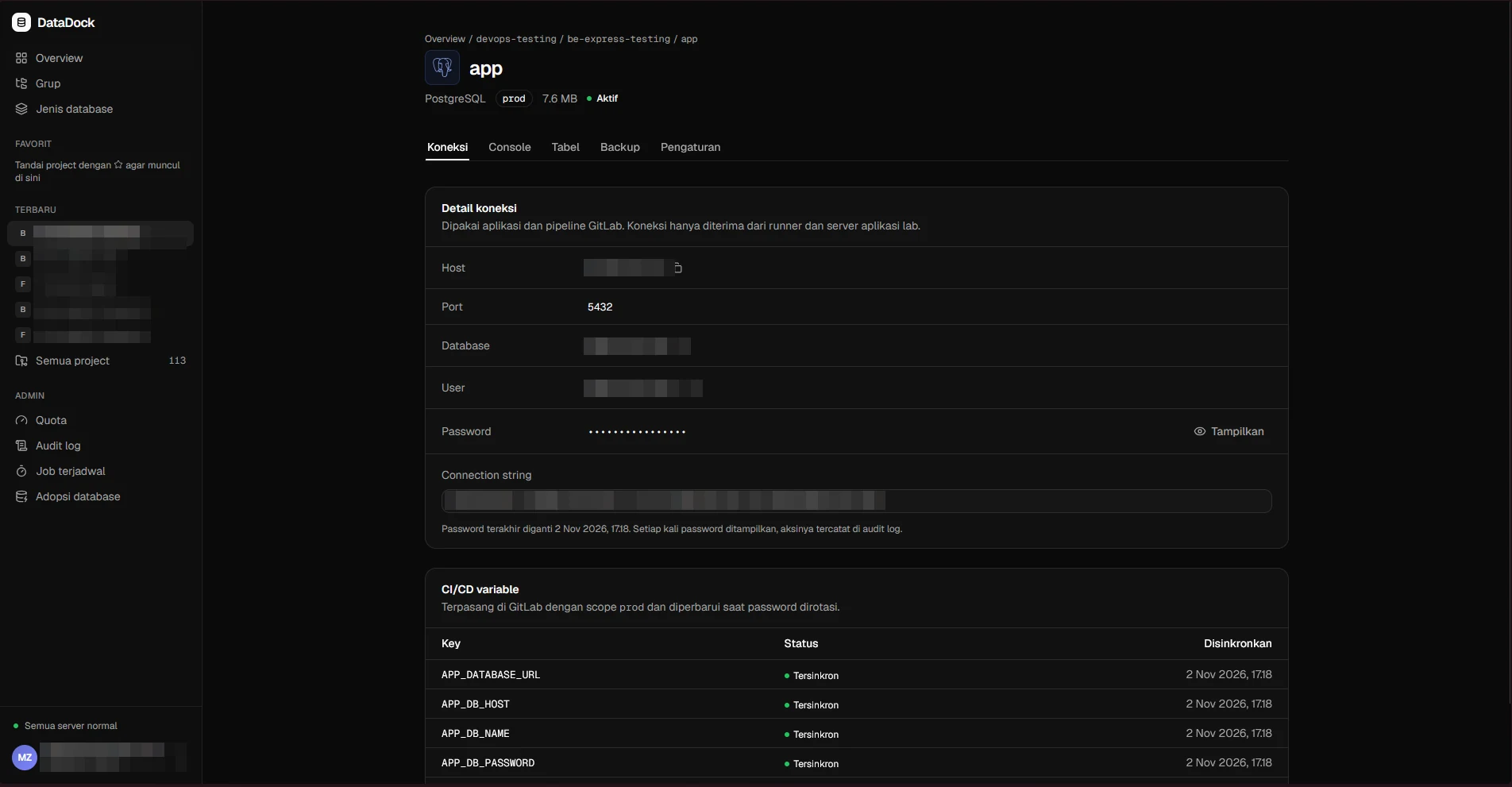
Connection
Next project